
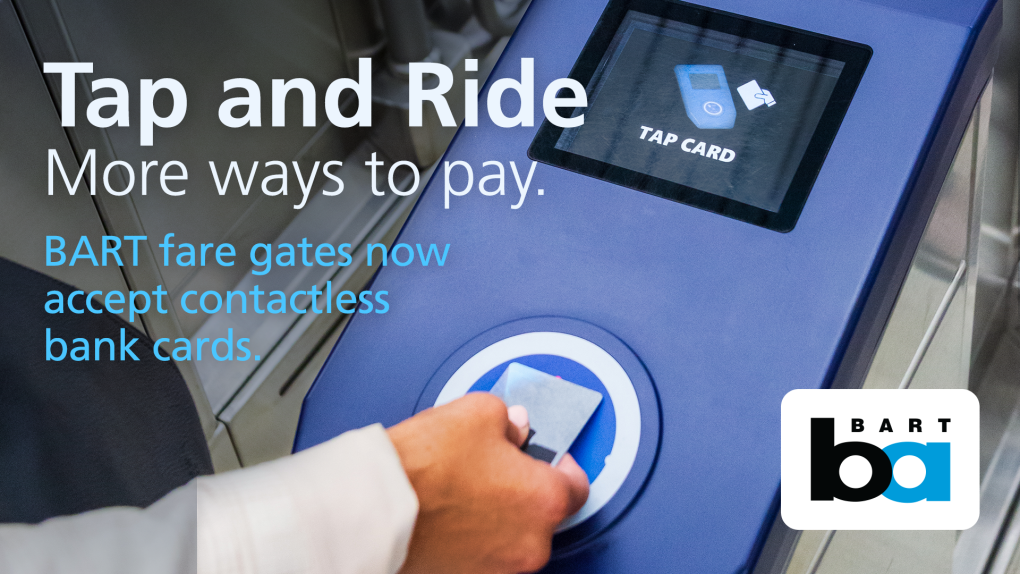
Tap and Ride gives riders the ability to pay adult fares at BART and other transit agencies across the Bay Area using physical contactless credit or debit cards or mobile payment methods, such as Apple Pay and Google Pay.
With Tap and Ride, riders no longer need to use a Clipper card to ride BART. This is an immense timesaver for riders because zero registration or setup process is required, and riders will no longer need to add fare. Just tap and ride.
The nearly two dozen transit agencies that use Clipper have also joined BART as Tap and Ride systems. The rollout came with the launch of Next Generation Clipper, an initiative administered by the Metropolitan Transportation Commission (MTC) to make fare payment faster, simpler, and more integrated. To learn about the new features, including free and discounted transfers, visit Clipper's website.
If you want to continue using a Clipper card, take it out of your wallet or purse when you pay. To continue using Clipper on your Apple Wallet, make sure Express Mode is turned on for Clipper card. Android devices will automatically present the digital Clipper card if the user has one in Google Wallet.
The Basics:
- Cards accepted for Tap and Ride on BART and other Bay Area transit include Visa, Mastercard, American Express, and Discover Network.
- Physical bank cards must be contactless enabled, with the contactless symbol on either the front or back of the card. You can also use mobile payment methods such as Apple Pay and Google Pay.
- There is no registration or setup process required to begin using Tap and Ride.
- Each rider must pay with their own card or mobile device. If family members have the same credit card number but they are on different cards and devices, they will be able to use it.
- Riders must use the same card or device to tap in and tap out.
- BART Station Agents can help “read” which contactless bank card you used to tap in or confirm tapping activity.
- Riders will be charged full adult fares. Those with eligibility-based discounts, such as Clipper START or Clipper Access, or youth and senior discounts, must continue using their physical or digital Clipper card. Allowing discount card holders to join Tap and Ride is on the roadmap, but it is not yet available.
- Transfer discounts will be automatically applied. Riders who use more than one transit agency in a single trip (e.g., BART to Muni) will only be charged full fare on the first operator. A transfer discount of up to $2.85 will apply on any additional transit agency the rider uses within a two-hour window.
- Avoid card clash. This happens when a Clipper reader detects more than one card at a time, which can result in card reader errors or having the wrong card charged.
- To avoid this, remove physical cards from your wallet or purse before tapping just like you would do when making a purchase at retailers.
- Riders using Apple Pay should enable Express Mode for their credit or debit card by accessing the Wallet. (see below for instructions)
- Android devices will automatically present the digital Clipper card. Override this feature and pay with Tap and Ride by navigating to the bank card before tapping at the fare gates. (see below for instructions)
- Tap and Ride users will have a 30-minute grace period to avoid the BART excursion fare if they change their mind after entering a station and opt not to ride BART. Clipper users will have the grace period once their card has been flipped to the Next Generation system.
- Questions or issues? Call Clipper Customer Service Center at 877-878-8883 for assistance or visit the Clipper Contactless Payments webpage.
Contactless bank card in your Apple Wallet
Apple device users who want to use a bank card instead of a Clipper card in their digital wallet should disable the Express Transit setting for their mobile Clipper card before tapping their device. Note: This will disable Express Mode for all Clipper transit agencies, so you will have to authenticate when you tap your Clipper card in Apple Wallet.
Before using Tap and Ride, Apple device users should set up “Express Transit” for the bank card they want to use or should select the card they want to use from their Apple Wallet.
To set up Express Transit:
- Open Apple Wallet and choose the contactless bank card you want to use to pay for BART.
- Tap the three dots in the upper right-hand corner and select "Card Details."
- Tap "Express Transit Settings" and follow the prompts.
To pay:
- Hold the top of your device over the BART Clipper reader that says "Hold to Pay"—no need to unlock your phone
- On a successful tap, "Pass Accepted" will appear on the screen and the BART gates will open
Contactless bank card in your Google Wallet
Open Google Wallet and choose the contactless bank card you want to use to pay for BART.
- To pay, unlock your device and hold the top of it over the BART Clipper reader that says “Hold to Pay”
- If you prefer to pay without unlocking your device, turn off the “Verification required” setting:
- Open the Google Wallet app. At the top right, tap your Profile picture or Account and then Wallet settings
- Under “Security,” tap Verification settings and then Transit payments
- Turn off Verification required
On a successful tap, a “Pass Accepted” screen will appear on the machine and the BART gates will open
If your card is not working and you are having difficulty tapping in or out of BART, please find a station agent to assist you.
Transit benefit debit cards
If your transit benefits debit card is contactless enabled (or can be added to your phone’s mobile wallet), you can tap it at the BART fare gates. Make sure to have sufficient transit balance on your card to pay your fare.
Some customers with HealthEquity debit cards have reported issues tapping their plastic cards, even with sufficient funds in their account. This is a known issue with some HealthEquity plastic cards, and we are working with HealthEquity to ensure that this is addressed. If this issue arises for you, you should contact HealthEquity and request a replacement card.
Proof of payment
Proof of payment for Tap and Ride works just like it does for Clipper. BART fare inspectors carry devices that can tell if you tapped into the system, even with a credit card, debit card, Apple Pay, or Google Pay. If the device shows you did not tap in, you will be get a proof of payment citation.
Frequently Asked Questions
1. How can I tell if my bank card is contactless?
Look for the contactless symbol (four vertical, curved lines that get bigger from left to right) on the front or back of your bank card. If you see this symbol, you can use your contactless bank card to pay for BART. Accepted card brands are Visa, Mastercard, American Express and Discover.
2. Can I get my senior/youth/Clipper Access/Clipper START discount if I use Tap and Ride?
No, you will be charged the full adult fare when you pay with a contactless bank card.
Discounted fares through Clipper Youth, Clipper Senior, Clipper Access, and Clipper START programs are NOT available through contactless bank card payment. Riders must use their discount program-issued Clipper cards to receive these discounted fares.
3. If I use a contactless bank card to pay for BART, can I use that card when I transfer from BART to another agency?
Yes, Tap and Ride was rolled out to other Bay Area transit agencies in December 2025.
4. Will I receive a transfer discount when I transfer from BART to another transit agency?
Yes, the transfer discount is automatically applied.
5. Can I pay for multiple people with one contactless bank card?
No, each rider must pay with their own card or device and must use the same card or device to tap in and tap out. Families sharing a credit card number may use contactless payment as long as each rider uses a different physical card or device. For example, mom and dad share the same credit card number, but have two different cards and the same credit card number set up in Apple Pay or Google Pay. These are considered separate and can be spread out for each family member to use to enter and exit.
6. How do I see my contactless bank card payment transactions?
You can review your transaction history with your contactless bank card by logging into the Clipper website and clicking on "Bank Card Trip History" at the bottom of the page.
7. What do I do if I mistakenly tap my card? Where do I go for a refund?
Customers who use a contactless payments card to tap in to BART should contact the Clipper Customer Service Center for a refund or fare adjustment.
8. Where can I get assistance with using a contactless bank card?
For questions about how to use a contactless bank card to pay for BART, or other questions such as trip history, please call Clipper Customer Service at 877.878.8883 Monday through Friday, 8 a.m.-6 p.m., and Saturday 9 a.m.-4 p.m.